



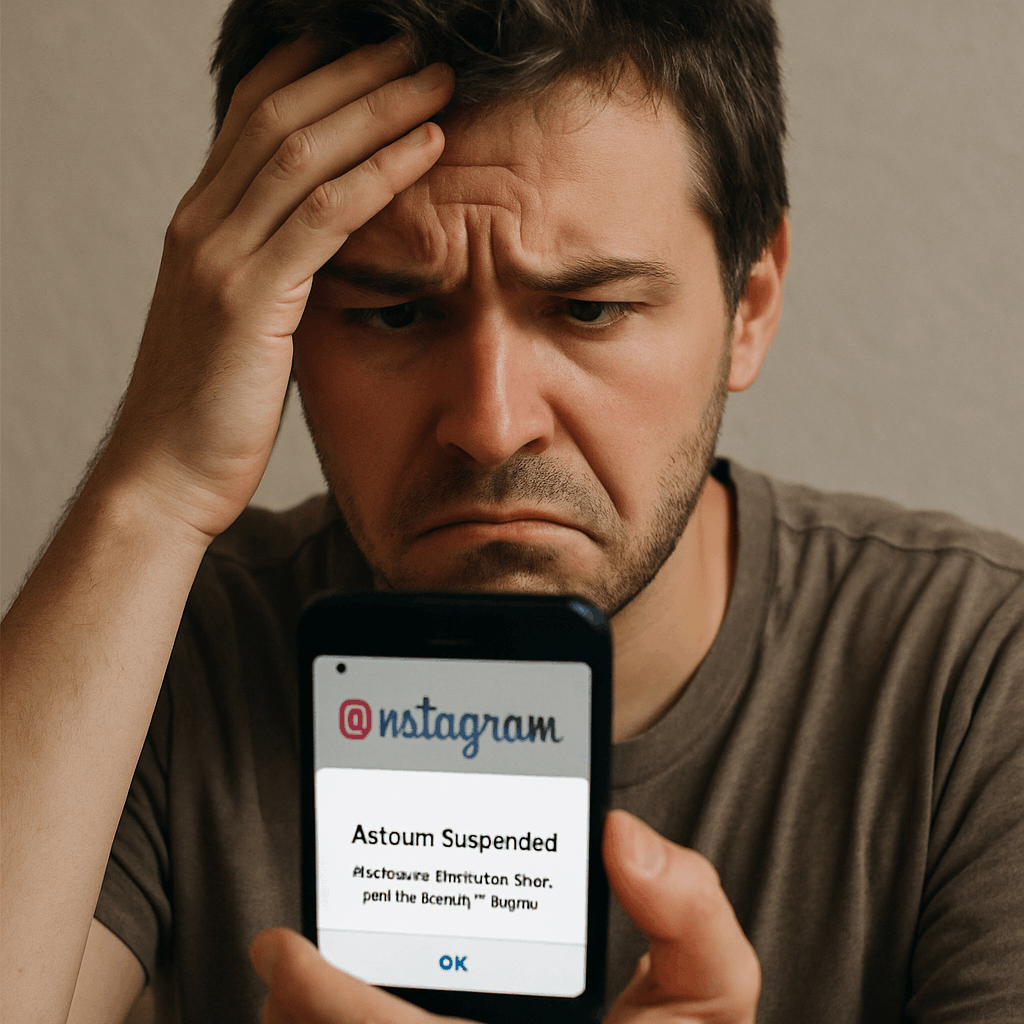
Opening the app only to be greeted by a glaring message stating your access has been revoked is a heart-dropping experience. If you are reading this, chances are you are staring at a screen that says your profile has been disabled, and you are desperately searching for answers on How to Recover Your Suspended Instagram Account 2026.
You are not alone. With Meta’s continuous updates to its algorithm, security protocols, and community guidelines, thousands of users from casual scrollers to massive influencers and small businesses find themselves locked out every day. Whether it was a misunderstanding, a malicious mass-reporting attack, or an accidental violation of the rules, navigating the instagram account recovery process can feel like wandering through a maze blindfolded.
But don’t panic. The process has evolved significantly this year. This comprehensive, expert-level guide will break down every single method, loophole, and official channel available. By the time you finish reading, you will know exactly how to recover a suspended instagram account safely, effectively, and efficiently.
Section 1: The Root of the Problem – Why Did This Happen?
Before diving into the solutions, it is crucial to understand the why. Diagnosing the reason behind the block will dictate the specific recovery path you need to take.
Why Was My Instagram Account Suspended Without Warning?
One of the most common questions flooding tech forums in 2026 is, “why was my Instagram account suspended without warning?” In the past, Instagram usually provided a series of strikes or warnings often in the form of shadowbans or action blocks before pulling the plug. However, today’s landscape is different.
Accounts are often disabled instantly for the following reasons:
- Severe Policy Violations: Content depicting violence, hate speech, or illegal activities triggers immediate bans.
- Copyright Infringement: Repeatedly posting copyrighted music, videos, or images without permission.
- Spam Behavior: Aggressive following/unfollowing, sending identical DMs to dozens of accounts, or leaving repetitive comments.
- Impersonation: Creating an account that mimics a celebrity, brand, or another private individual.
- Underage Accounts: Meta enforces a strict 13-and-older policy. If the system flags an account as underage, it is immediately suspended.
The Impact of AI Moderation on Account Status
To understand why warnings are a thing of the past, we have to look at the technology running the platform. The impact of AI moderation on account status cannot be overstated in 2026. Meta now relies heavily on advanced artificial intelligence to police the platform.
This AI is incredibly efficient at scrubbing the platform of malicious bots and harmful content, but it is far from perfect. It frequently generates “false positives.” A sarcastic comment made to a friend might be flagged as bullying. A legitimate login attempt from a new location while you are on vacation might be flagged as a hostile takeover, resulting in an automatic suspension to “protect” the account. Understanding that your ban might be the result of a machine’s error rather than a human moderator’s decision is the first step in keeping your cool during the recovery process.
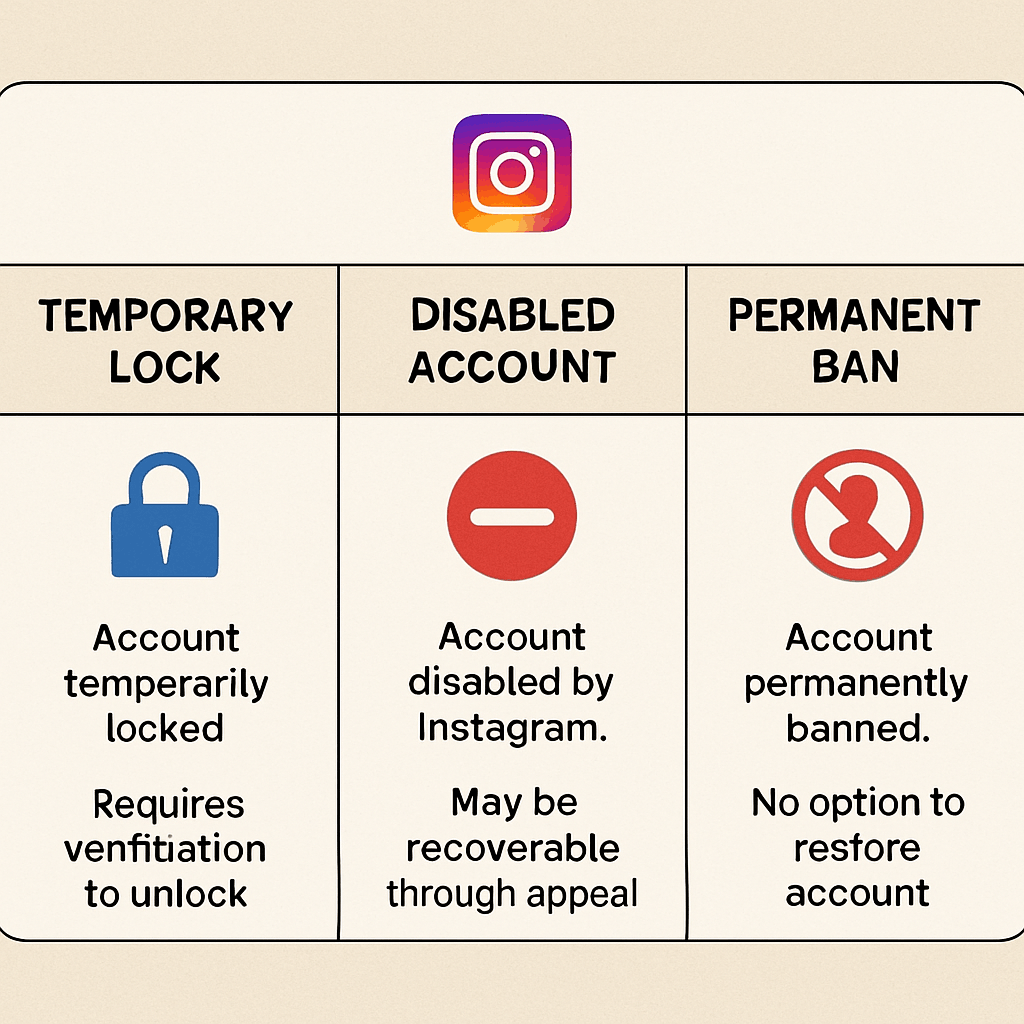
The Difference Between Temporary Suspension and Permanent Ban
Not all punishments are created equal. It is vital to determine the severity of your restriction. The difference between temporary suspension and permanent ban dictates how much effort recovery will take.
- Temporary Suspension (Action Block/Temporary Lock): You might still be able to log in, but you cannot like, comment, or post. Alternatively, the app may ask you to confirm your identity via email or SMS to regain access. These usually resolve themselves in 24 to 48 hours or upon completing a simple security check.
- Standard Suspension (Disabled Account): When you try to log in, a pop-up explicitly states your account has been disabled for violating terms. You cannot see your profile, and others cannot search for you. This requires a formal appeal.
- Permanent Ban: This is the nuclear option. Meta will state that the decision is final and cannot be reversed. This usually happens after multiple failed appeals or for egregious violations (like illegal exploitation).
Section 2: Immediate Actions to Reactivate Your Profile
If your instagram account suspended notification has just appeared, your immediate actions matter. Do not frantically try logging in dozens of times, as the system might flag this as a brute-force hacking attempt. Follow these precise steps to initiate the recovery.
Fixing Instagram ‘Your Account Has Been Disabled’ Error
When you are faced with this specific error, the solution begins right on the login screen. Fixing Instagram ‘Your account has been disabled’ error starts with the in-app appeal system.
- Open the App: Enter your exact username and password.
- Read the Prompt: A box will pop up saying “Error: Your account has been disabled for violating our terms.”
- Tap ‘Learn More’ or ‘Appeal’: At the bottom of this prompt, there will be a clickable link. In 2026, Meta has streamlined this to clearly show an “Appeal” button.
- Follow the On-Screen Prompts: You will likely be asked to confirm that you are the owner of the account. This leads directly to the primary verification phase.
How to Recover an Instagram Account That Was Suspended (The Standard Appeal)
If the in-app prompt glitches out or you are using a desktop, you need to use the official forms. This is the cornerstone of instagram account recovery.
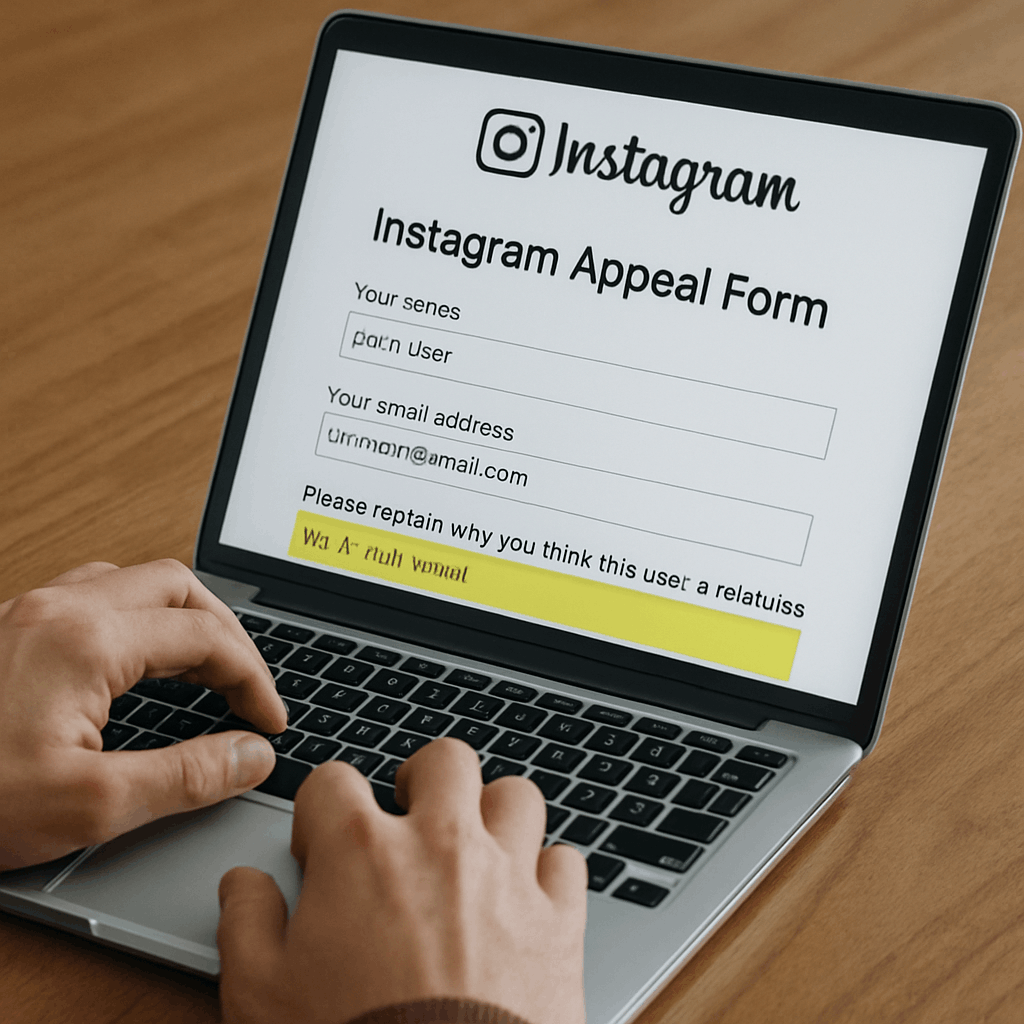
To begin, you need to access the official Instagram appeal form for deactivated accounts. You can find this by navigating to the Instagram Help Center.
Steps for the Standard Appeal:
- Locate the Correct Form: Depending on whether your account represents a business, a product, or just yourself, Meta has different forms. Select the one that accurately reflects your profile.
- Fill in Your Details: You must provide your full name, your exact Instagram username, the email address associated with the account, and a mobile phone number.
- The Appeal Box: There will be a text box asking you to explain why you are appealing. Keep it concise, polite, and factual.
- Example: “Hello Instagram Support. My account was recently suspended, and I believe this was an error made by the automated moderation system. I have carefully reviewed the Community Guidelines and assure you I have not violated them. Please review my account. Thank you.”
Do not use this space to vent your frustrations. The initial readers of these appeals are often lower-level support staff or, more likely, an AI sentiment analysis tool. Being rude will get your request tossed to the bottom of the pile.
Steps to Contest Instagram Community Guidelines Violation
If your suspension explicitly stated which guideline you broke (e.g., “Violent Content” or “Nudity”), you must tailor your approach. The steps to contest Instagram community guidelines violation require you to directly address the accusation.
- Acknowledge the Flag: State clearly what you were accused of.
- Provide Context: If the AI misinterpreted an image (e.g., a photo of a classical nude statue flagged as pornography), politely explain the context.
- Admit Minor Faults (If Applicable): If you genuinely made a small mistake (like using a copyrighted audio clip you thought was trending and safe), apologize. State that you have deleted the offending third-party tool or will delete the post upon regaining access.
- Request Human Review: Explicitly state, “I respectfully request a human moderator review this specific post/action, as I believe the automated system misunderstood the context.”
Section 3: The 2026 Verification Process
Once you submit your appeal, Meta needs to prove you are who you say you are. With the rise of deepfakes and AI-generated identities, Meta has overhauled its verification system.
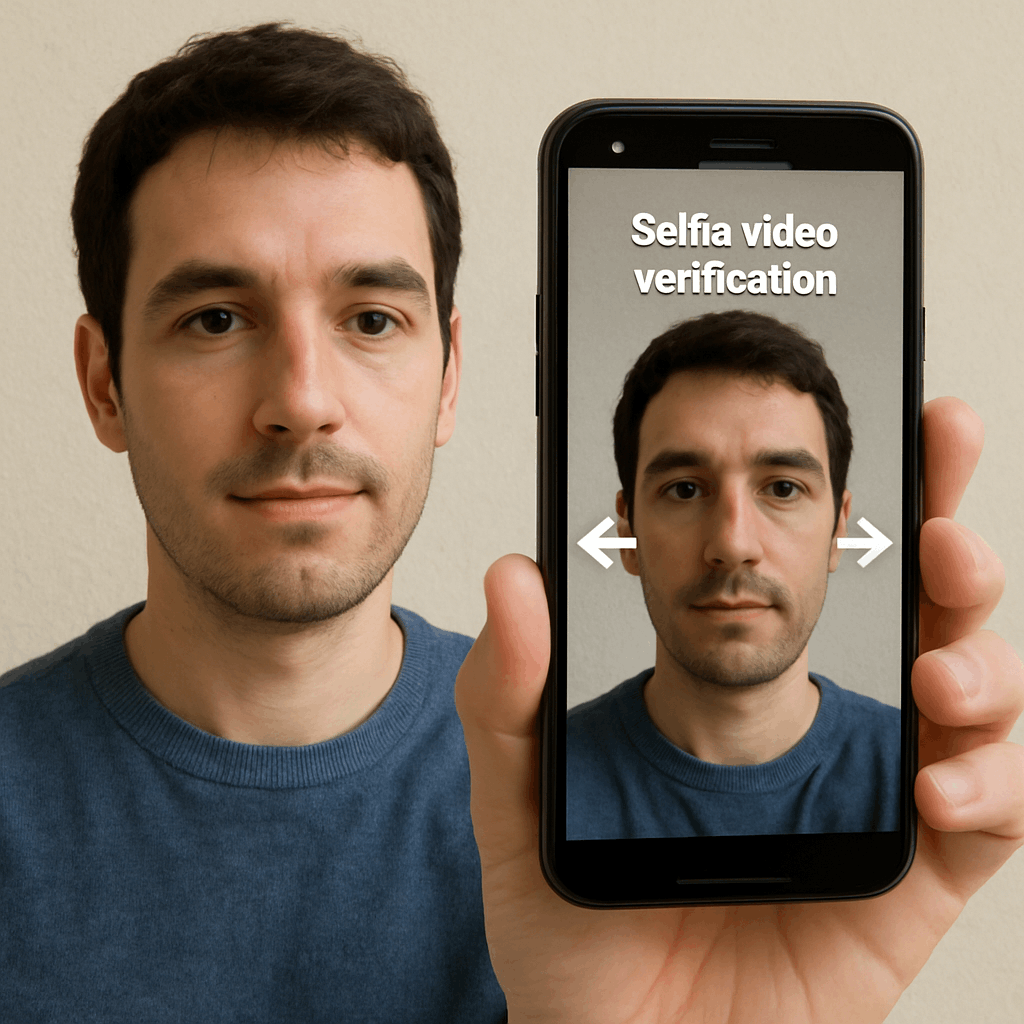
Instagram Identity Verification Selfie Video Requirements
Gone are the days of simply writing a code on a piece of paper and taking a poorly lit selfie. Today, to unblock instagram account access, you will almost certainly be forced to submit a dynamic video.
The Instagram identity verification selfie video requirements are notoriously strict. If you fail to meet them, your video will be auto-rejected by the system.
How to succeed on your first try:
- Lighting is Everything: Do not stand in a dark room or have a bright window directly behind you (backlighting). Stand facing a window with natural light illuminating your entire face.
- Remove Accessories: Take off glasses, hats, heavy makeup, and masks. The biometric scanner needs an unobstructed view of your facial topography.
- A Plain Background: Stand against a blank, neutral-colored wall. Cluttered backgrounds confuse the AI.
- Follow the Prompts Exactly: The app will ask you to turn your head left, right, up, and down. Do this slowly and smoothly. Rapid, jerky movements will cause the scan to fail.
- Match Your Feed: The AI compares this selfie video to the photos already posted on your grid. If your account is a “faceless” theme page (e.g., posting only quotes or landscapes), this step becomes incredibly difficult, and you will likely need to rely on business verification (discussed in Section 5).
How Long Does an Instagram Appeal Review Take in 2026?
After submitting the forms and the video, the waiting game begins. The anxiety of not knowing is often the worst part of trying to recover suspended instagram account access.
So, how long does an Instagram appeal review take in 2026?
- Best Case Scenario (AI Approval): If your selfie video perfectly matches your photos and your violation was minor, the automated system might restore your account in 24 to 48 hours.
- Average Scenario (Human Review): If the AI escalates your case to a human moderator, expect to wait anywhere from 3 to 7 business days.
- Worst Case Scenario (High Volume Periods): During times of massive platform updates or global events (where moderation teams are stretched thin), an appeal can sit in limbo for up to 30 days.
Pro Tip: Do not submit a new appeal every single day while waiting. The system will flag this as spam behavior, pushing your ticket further down the queue. Wait at least 72 hours before taking further action.
Section 4: Advanced Recovery Tactics and Troubleshooting
What happens when the standard methods fail? Many users give up when they receive their first rejection email. But to truly master how to recover suspended instagram account access, you must understand the advanced avenues.
Recovering Instagram Account After Third-Party App Violation
One of the primary reasons for sudden bans in 2026 is unauthorized API access. Users love downloading apps that track who unfollowed them, apps that schedule posts outside of Meta’s official tools, or services that auto-generate likes. Meta’s system identifies these as bot networks.
Recovering Instagram account after third-party app violation requires a specific cleanup process:
- Sever the Connection Immediately: Go to the third-party app on your phone and log out. Then, delete the app from your device completely.
- Clear Browser Data: If you used a web-based third-party tool, clear your browser’s cache, cookies, and saved passwords.
- The “Hacked” Approach: When appealing, frame the situation around account security. Use the instagram.com/hacked portal. Explain that you believe a malicious third-party app compromised your account without your full understanding of its nature, and that you have now secured your device.
- Change Associated Passwords: Ensure the email linked to your Instagram has a fresh, secure password. Meta checks the overall security health of your digital footprint during recovery.
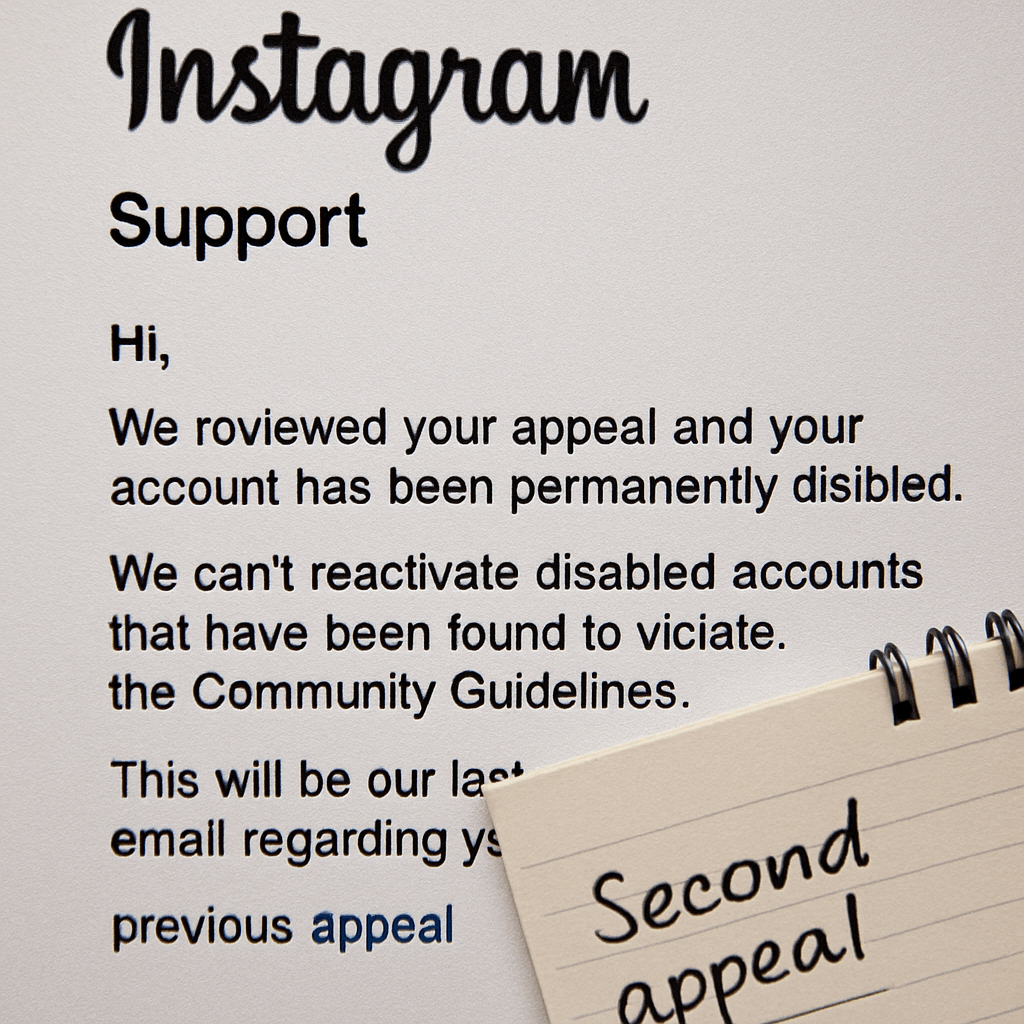
Submitting a Second Appeal After Instagram Rejection
Receiving an email stating, “We have reviewed your account and determined that it will remain disabled,” is devastating. But it is not always the end of the road.
Submitting a second appeal after Instagram rejection requires a change in strategy. You cannot just submit the same form with the same text.
- Wait a Week: Give the system a brief cooling-off period.
- Find a New Angle: If you appealed as a standard user the first time, try appealing under a different context (e.g., focus heavily on the fact that your account was compromised, if applicable).
- Gather Proof: If you are accused of copyright strikes, gather licenses or emails proving you had the right to post the content. You can attach these to advanced appeal forms or reply directly to the rejection email (if it is an unmonitored address, this won’t work, but sometimes Meta provides a specific case reply address).
- Use a Different Device: Sometimes, your device’s IP or MAC address gets temporarily flagged. Try submitting your second appeal from a trusted family member’s computer or phone, ensuring you are connected to a different Wi-Fi network.
Can I Get My Instagram Back After a Permanent Ban?
This is the hardest question to answer. Can I get my Instagram back after a permanent ban?
Officially, Meta states that permanent bans are irreversible. However, the reality of instagram suspended account recover communities shows that “permanent” sometimes just means “you need to escalate this much higher.”
If you receive a permanent ban notice, the standard forms will no longer work; the system will block you from submitting them. To get the account back, you have to bypass the standard support structure. This means utilizing Creator Support, Business Suite, or the Oversight Board—which we will detail in the next section.
Manage your expectations: overturning a permanent ban takes weeks, sometimes months, of persistent, polite escalation.
Section 5: The VIP Lanes – Business and Creator Support
If you run a business or make a living as an influencer, a suspended account translates to lost income. Meta knows this, which is why they offer alternative support channels for accounts that spend money on ads or generate massive engagement. If you want to reactivate instagram account pages tied to your livelihood, use these methods.
Meta Business Suite Support for Account Recovery
If your Instagram account was linked to a Facebook Page, and you have ever run a paid advertisement (even a $5 boosted post), you have access to a completely different tier of customer service.
Meta Business Suite support for account recovery is highly effective because you are treated as a paying client rather than a free user.
How to access it:
- Log into your Facebook account that is linked to your Instagram business page.
- Navigate to the Meta Business Suite or the Business Manager.
- Click on the ‘Help’ icon (usually a question mark in the bottom left corner).
- Look for a button that says “Contact Support Team” or “Create a New Case.”
- Select “My Instagram account was disabled.”
This route often allows you to open a direct ticket with a human representative. When chatting with them, provide your Ad Account ID, the disabled Instagram username, and explain that the suspension is actively halting your advertising campaigns and hurting your business. Financial incentive is a powerful motivator for Meta to expedite your review.
Instagram Support Live Chat Access for Creators
For years, users begged for a live chat feature. In 2026, it exists, but it is heavily gated.
Instagram support live chat access for creators is primarily available to two groups:
- Massive Accounts: Accounts with hundreds of thousands of followers who have a dedicated partner manager.
- Meta Verified Subscribers: This is the most crucial loophole of 2026.
If you have a separate, active Instagram or Facebook account (perhaps a personal one while your business one is banned), you can subscribe to Meta Verified for a monthly fee. Once verified, you unlock direct, live chat support. You can use this live chat to talk to a human agent about your other, suspended account.
Tips for Live Chat:
- Be exceptionally polite. The agents deal with angry people all day.
- Have your account details ready (Username, linked email, linked phone number).
- Clearly state: “I am a Meta Verified user seeking assistance with my secondary account, which I believe was erroneously disabled by the automated moderation system.”
- Ask the agent to manually escalate the ticket to the internal review team.
Contacting Meta Oversight Board for Disabled Profiles
When all else fails, you must appeal to the highest authority. The Meta Oversight Board is an independent body that reviews complex moderation decisions.
Contacting Meta oversight board for disabled profiles is not for simple spam bans. It is reserved for high-stakes, controversial, or precedent-setting cases. If your account was disabled due to political speech, a complex community guideline misunderstanding, or unfair algorithmic bias, this is your final stop.
- When your final internal appeal is rejected by Meta, you are sometimes given an Oversight Board Reference Number.
- Go to the official Oversight Board website.
- Enter your reference number and submit a detailed, essay-style argument as to why Meta’s decision violates human rights, freedom of expression, or their own stated policies.
- Even if the Board does not select your specific case for a full public ruling, the mere act of filing the petition forces a specialized internal Meta team to review your file one last time. Many accounts are magically restored during this pre-screening phase.
Section 6: Fortifying Your Profile – Prevention is the Best Cure
Congratulations. Let’s assume the steps above worked, you received the golden “Your account has been reactivated” email, and you are back in.
The immediate relief is euphoric, but your work is not done. Accounts that have been suspended once are placed under a magnifying glass by the AI algorithm. A single misstep can result in a permanent ban. You must implement strict security measures to prevent future Instagram suspensions.
Clean Up Your Third-Party App Connections
As mentioned earlier, rogue apps are account killers. Now that you have access:
- Go to Settings and Activity.
- Scroll down to Website permissions and tap Apps and websites.
- Review every single active connection.
- Remove absolutely everything that is not officially partnered with Meta (e.g., Hootsuite or Later are usually safe; “Follower Analyzer Pro” is not).
Implement Bulletproof Security
Hackers frequently take over accounts, post crypto scams or explicit content, and trigger suspensions. Protecting your login credentials protects your account status.
- Enable Two-Factor Authentication (2FA): Do not use SMS for 2FA; SIM-swapping is too common. Use an authenticator app like Google Authenticator or Duo Mobile.
- Update Your Associated Email: Ensure the email linked to your Instagram is active, accessible only by you, and also protected by 2FA.
- Check Login Activity: Regularly review the “Where you’re logged in” section in your Meta Accounts Center. Log out of any unfamiliar devices or locations immediately.
Audit Your Content Strategy
To avoid having to ever search for how to recover your suspended Instagram account 2026 again, you need to play by the AI’s rules.
- Music Rights: Stop using non-trending, copyrighted music on Reels or Stories if you have a Business account. Only use the Meta Sound Collection.
- Engagement Speed: Do not follow or unfollow more than 50 people in an hour. Do not leave the same “🔥🔥” comment on 30 different posts in rapid succession. The AI interprets this speed as non-human bot behavior.
- Check Account Status: Instagram now features a built-in “Account Status” tool in the settings. Check this weekly. It will show you if any of your content has been flagged or removed, serving as an early warning system before a full suspension hits.
Section 7: Frequently Asked Questions (FAQ)
Even with a detailed guide, specific nuances can cause confusion. Here is a rapid-fire breakdown of the most common questions regarding the instagram account recovery process.
Q: Can I just create a new account while I wait? A: You can, but tread carefully. If Meta’s AI connects your new account to the suspended one (via device ID, IP address, or phone number), they might disable the new one too under their “ban evasion” policy.
Q: Are there hackers who can unblock instagram account profiles for a fee? A: Absolutely not. This is the biggest scam on the internet. If you tweet or post on Reddit asking how to recover a suspended instagram account, your DMs will be flooded by “hackers” claiming they have backdoors to Meta’s servers. They do not. They will take your money, ask for more, and potentially steal your email passwords. Only official Meta channels can restore an account.
Q: I was asked to send a picture of myself holding a code written on paper. Is this real? A: Yes, while the selfie video is more common in 2026, the handwritten code method is still utilized as a fallback verification step. Ensure your face, the code, your full name, and your username are clearly visible in the photo. Do not edit or filter the image in any way.
Q: Will I lose all my followers and photos if my account was suspended? A: No. When an account is disabled, Meta basically freezes it in carbonite. It is hidden from the public, but the data remains intact on their servers. The moment you successfully reactivate instagram account access, all your photos, DMs, followers, and following lists will reappear exactly as you left them.
Q: My account was disabled for being “underage” but I am an adult. What do I do? A: This is a very common false positive. You will need to fill out the specific age appeal form provided by Meta and submit a clear photo of your government-issued ID (passport or driver’s license) that shows your date of birth.
How TrustNet Security Helps Recover Your Suspended Instagram Account
If your Instagram account has been suspended, disabled, or restricted, TrustNet Security can help you through the recovery process with expert guidance and support. Our team assists individuals, creators, influencers, and businesses in identifying possible suspension reasons and taking the right steps to restore account access.
We help with:
- Instagram account recovery support
- Fake report and impersonation issue assistance
- Brand account protection guidance
- Recovery process consultation
- Digital account security recommendations
Whether your account was suspended due to suspicious activity, policy violations, or fake reporting, our team works to help you recover access as quickly as possible while improving account security for the future.
📞 Contact TrustNet Security today for professional Instagram account recovery assistance.
Conclusion
Losing access to your digital life, your memories, or your business platform is undeniably stressful. However, mastering the process of how to recover your suspended Instagram account 2026 is entirely possible if you approach it with patience and strategy.
Remember, the system is largely automated. The initial shock of being blocked is usually the result of a hyper-sensitive AI, not a personal attack. By understanding the difference between temporary suspension and permanent ban, meticulously following the Instagram identity verification selfie video requirements, and utilizing advanced avenues like Meta Business Suite support for account recovery, you dramatically increase your chances of success.
Do not resort to shady third-party recovery services, and do not let frustration dictate your appeals. Be professional, be persistent, and keep your documentation organized.
The landscape of social media moderation is always shifting, but the core tenets of instagram account recovery remain rooted in proving your identity and proving your compliance. Follow the steps outlined in this guide, submit your forms carefully, and soon enough, you will be back to scrolling, posting, and connecting with your audience.
